Most nonprofits still tell me they are not really “using AI.” They say it the same way someone might insist they do not use a particular app because they never open it. I get why. It used to be true. It just is not the world we live in anymore.
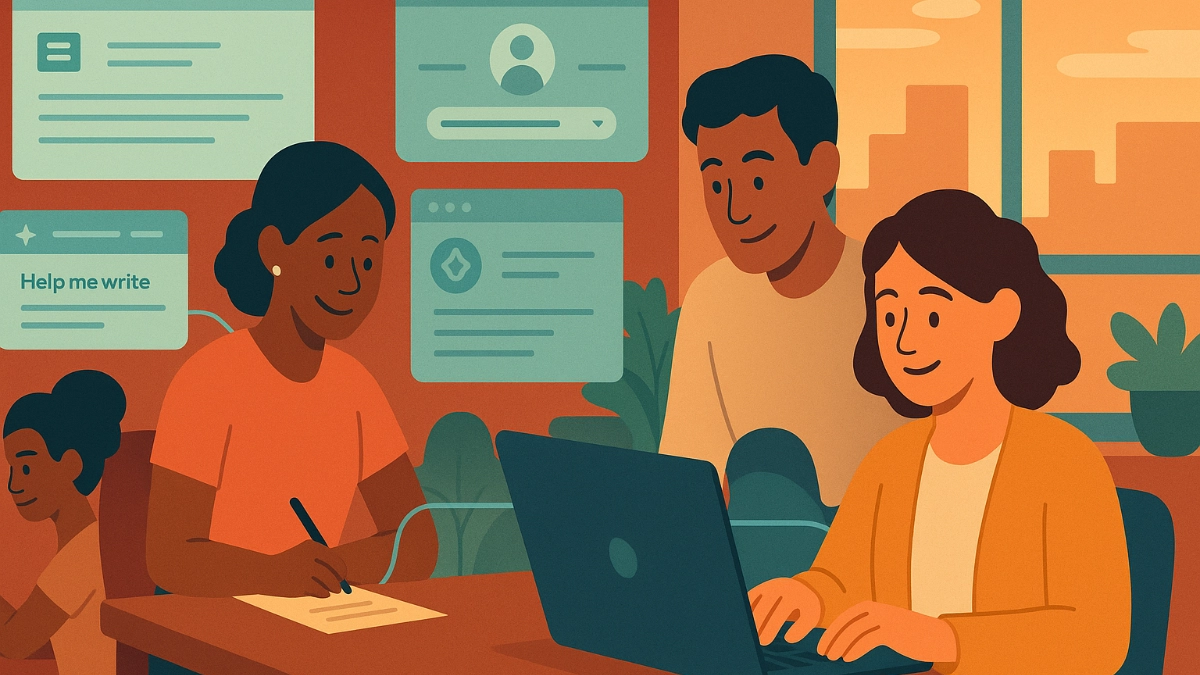
Today, AI is not something you go visit. It is already inside the tools you trust every day. It sits inside Google Workspace. It lives in Microsoft 365. It rides along in Chrome and Edge. It appears the moment a staff member taps “Help me write” in Docs or Word.
Many do not realize they are using AI when they click those buttons. They think they are using software. They are not. They are triggering a different system with its own rules, its own identity, and its own ideas about privacy.
Fewer still think about which account is being used to trigger the AI and how that might affect the data they are working with. That is where the trouble starts.
A moment from the field
Not long ago, I watched a staff member draft a sensitive note in Google Docs. She worked inside her nonprofit’s Workspace account. Everything looked normal. Halfway through the draft, Google offered a writing suggestion through a small icon in the corner.
She clicked it. The sentence improved. She kept writing.
From her point of view, nothing unusual had happened. What she could not see was that her browser was logged into a personal Google profile. The AI behind that suggestion followed the personal profile, not the work account tied to her document. The entire interaction traveled through an identity sitting outside her organization’s protected boundary.
She did nothing wrong. She took no intentional risk. The boundary moved under her feet while she was typing.
That is the quiet problem almost every nonprofit is facing.
How we got here
For years, using AI was a deliberate act. You had to open a chatbot or install a dedicated tool. The industry shifted. AI is now embedded directly into the systems your staff already rely on. It moved from being a destination to being the water in the pipes.
Staff cannot see where those pipes lead. They assume the application is doing the work. They assume their organizational identity is in charge. Sometimes it is. Sometimes it is not. The difference depends on something as simple as which account the browser believes is active at the moment.
That is exactly what makes these features risky.
The real issue: identity drift
Identity drift is what happens when the AI behind a feature follows a different account than the one your staff believe they are using. It is not a technical problem or a user mistake. It is simply how the ecosystem behaves today.
Browsers, productivity suites, and AI features all track identity differently. You can be inside a secure nonprofit Workspace document while a writing tool quietly routes through a personal Gmail account. Nothing warns you. Nothing looks suspicious.
It just happens. And it happens more often than people realize.
AI has widened the gap between “what I see on the screen” and “where my data actually went.”
Why this matters so much
AI tools tied to your work account are built to protect organizational data. In technical language, these are called enterprise accounts. They stay inside your organization’s managed environment. They do not train public models. They follow your privacy rules, contractual protections, and admin controls. They behave like part of your institution.
AI tools tied to a personal account follow very different rules. The industry calls these consumer accounts. Some train on the data you enter. Some allow human review. Many do not respect any organizational boundary at all. The personal versions of Microsoft, Google, OpenAI, and Anthropic tools operate under different policies than the work versions, even when they look identical on the screen.
Both versions sit in the same window. A single click can move a staff member from one world to the other without any signal that it happened.
That is what makes identity drift a structural risk.
A clear way forward
Nonprofits do not need to avoid AI. They need clean boundaries for what goes where. I teach a simple model that works in practice.
Green data is public-facing material. Policies, grant drafts, marketing content, training materials. Staff can use personal AI tools here without much concern.
Yellow data is rooted in real client work but lacks personal identifiers. This belongs in work-account AI only, where you have contractual protections and a managed environment.
Red data is anything identifiable or sensitive. Case notes, client histories, health information. Unless your organization is running a HIPAA or FedRAMP-bound AI configuration with the right agreements in place, this data stays out of AI entirely. We will talk about ways nonprofits can safely handle Red data in a future part of this series.
The model takes moments to explain and staff easily remember it.
If they would publish it tomorrow, it is Green. If it came from a real client, it is Yellow. If exposure could harm someone, it stays Red.
Once you sort information this way, AI stops feeling risky and starts feeling useful.
The one habit that solves most problems
If your nonprofit makes only one change, make it this one:
Require staff to work inside your managed Google Workspace or Microsoft 365 account, not their personal accounts.
That single habit shuts down most identity drift. It protects staff from accidents and gives your organization a clear, consistent boundary without adding cost or friction.
If you have support from your technology provider, ask them to help you make this the default in the browser settings on your organization’s devices. It is a simple change that creates a meaningful improvement.
The larger point
AI is not something nonprofits should fear. It is something they should understand. When the technology becomes invisible, the job becomes helping people see the boundaries again. That is not a purely technical task. It is a stewardship task.
And nonprofits already excel at stewardship. They protect people every day. They understand trust and responsibility. These are not new skills. AI simply asks us to apply those skills to a new part of the work.
I am helping nonprofits navigate this transition right now. What I keep seeing is that privacy and safety are not nearly as out of reach as they seem. With clarity and targeted support, teams adopt AI with surprising confidence.
This piece is the start of a broader conversation about how nonprofits can build that confidence without compromising the people they serve. I will share more in upcoming articles, but for now I would be interested to hear how your organization is approaching this shift.